


The AI logo design tool for designers.
Logofai does the parts clients don’t pay you for: concept exploration, mockups, lockups, clear-space sheets, brand guidelines and the hand-off folder. The judgment, the redraw and the final call stay yours.
Opens the Logofai web app. New accounts get 6 free credits, no card required, and each image uses 3.
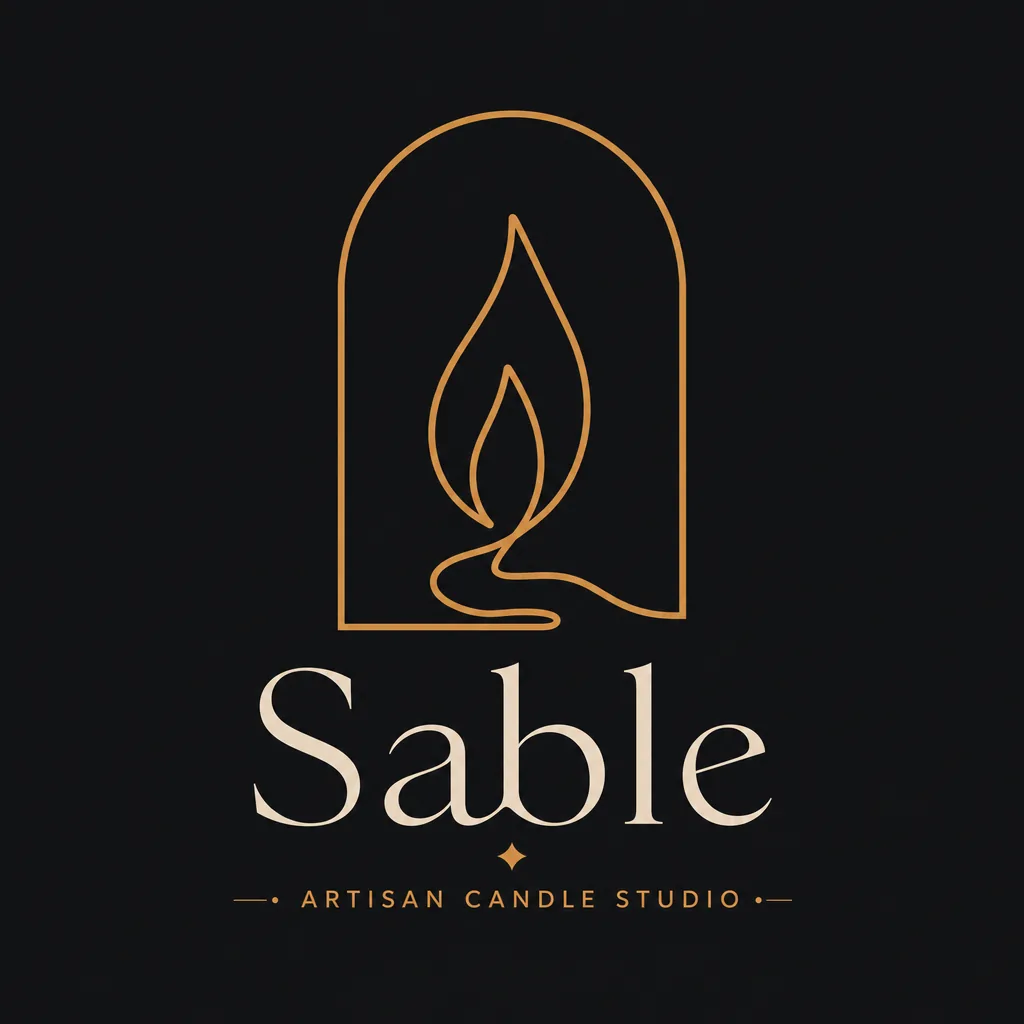
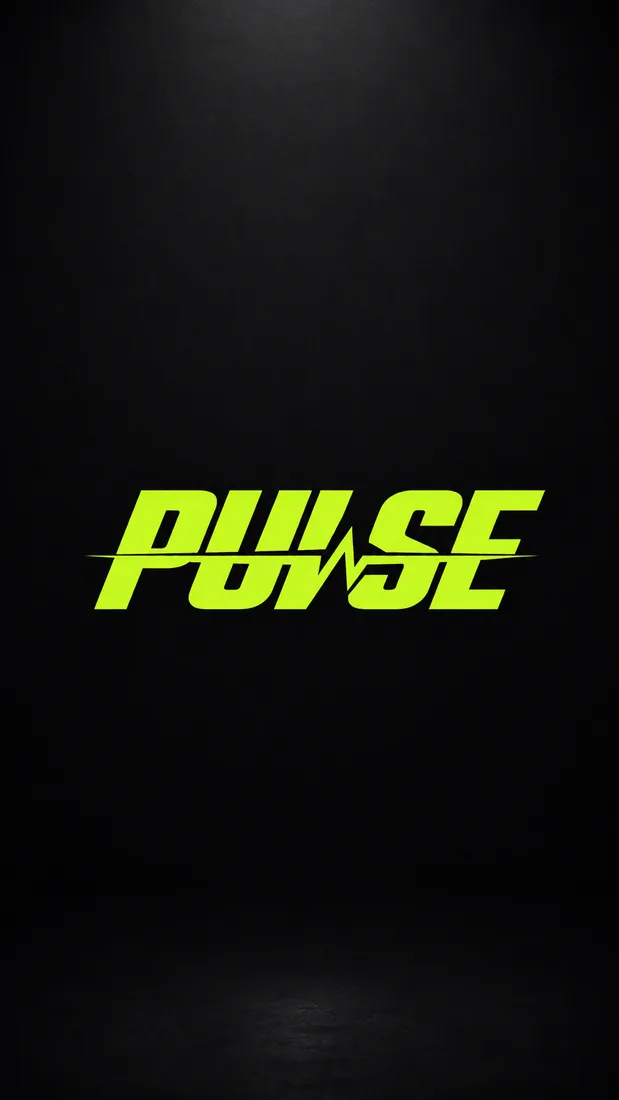
Where it fits in a client project.
- 01Brief
You run the discovery call and write the brief. Its key words become your first prompts.
- 02Explore
Generate broad directions fast, then narrow them with refines and your own references.
- 03Check
Run the finalists through Logo Review before anyone outside the studio sees them.
- 04Present
Put each direction on mockups and a brand board so the client judges it in context.
- 05Deliver
Hand over lockups, guidelines and a labeled file pack built from the approved mark.
A logo project has five stages, and only some of them are billable in the client’s mind. They pay for the idea and the finished identity. They rarely see the hours spent on thumbnails that go nowhere, the mockups you build so a direction can be judged fairly, or the export folder you assemble at the end. Those hours are where an AI logo design tool earns its place.
Logofai speeds up each stage, and you decide at each one. It does not write the brief, pick the direction or tell the client which mark is right. It gives you more material to judge, sooner, and then builds the paperwork around the mark you chose.
Explore more directions, faster
Early exploration is where volume matters. Each run produces one to four concepts at 3 credits an image, so a single brief can yield a dozen distinct starting points before lunch. Describe the name, the business and the feeling, then add the constraint you care about: a monogram on a strict grid, a symbol that survives one color, a wordmark with softened terminals.
You keep control of the inputs. Lock a palette with up to three custom hex colors so every concept is judged in the client’s colors rather than whatever the model prefers. When a concept is close, refine it by describing the change, or refine it against a style-reference image. That last option is the one designers use most: feed in your own sketch, a moodboard or a reference from the discovery call, and the refine follows it instead of drifting toward a generic look.
Treat the output as thumbnails, not finals. The value is breadth: seeing twelve directions side by side tells you quickly which ideas are worth your drawing time and which were never going to work. Our guide to using AI in logo design covers how to write prompts that produce useful variety.
One brief, twelve concepts: Harlow Kent, an architecture studio, run three times with the same two colors. Shown exactly as generated, weak ones included.
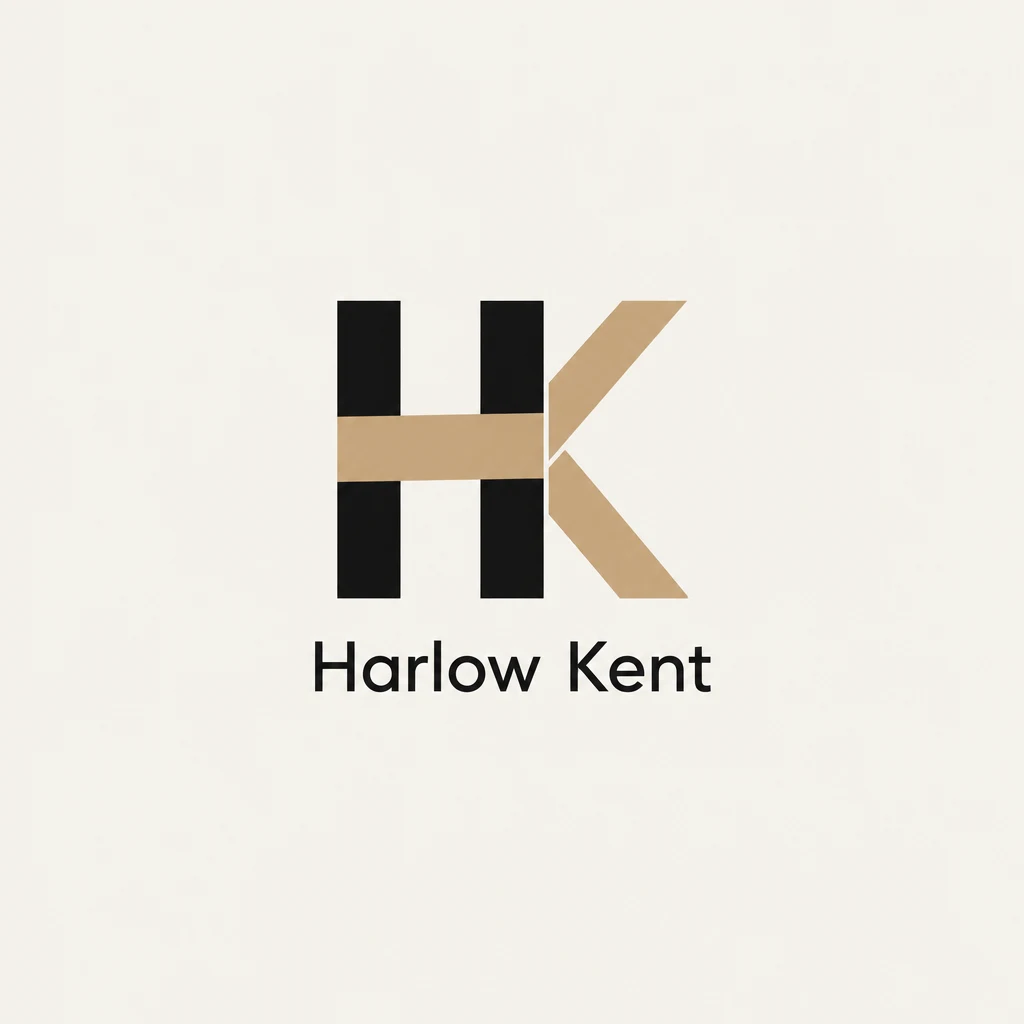
A gold crossbar bridges the H into the K. The strongest of the round, and the bar is the idea worth keeping.
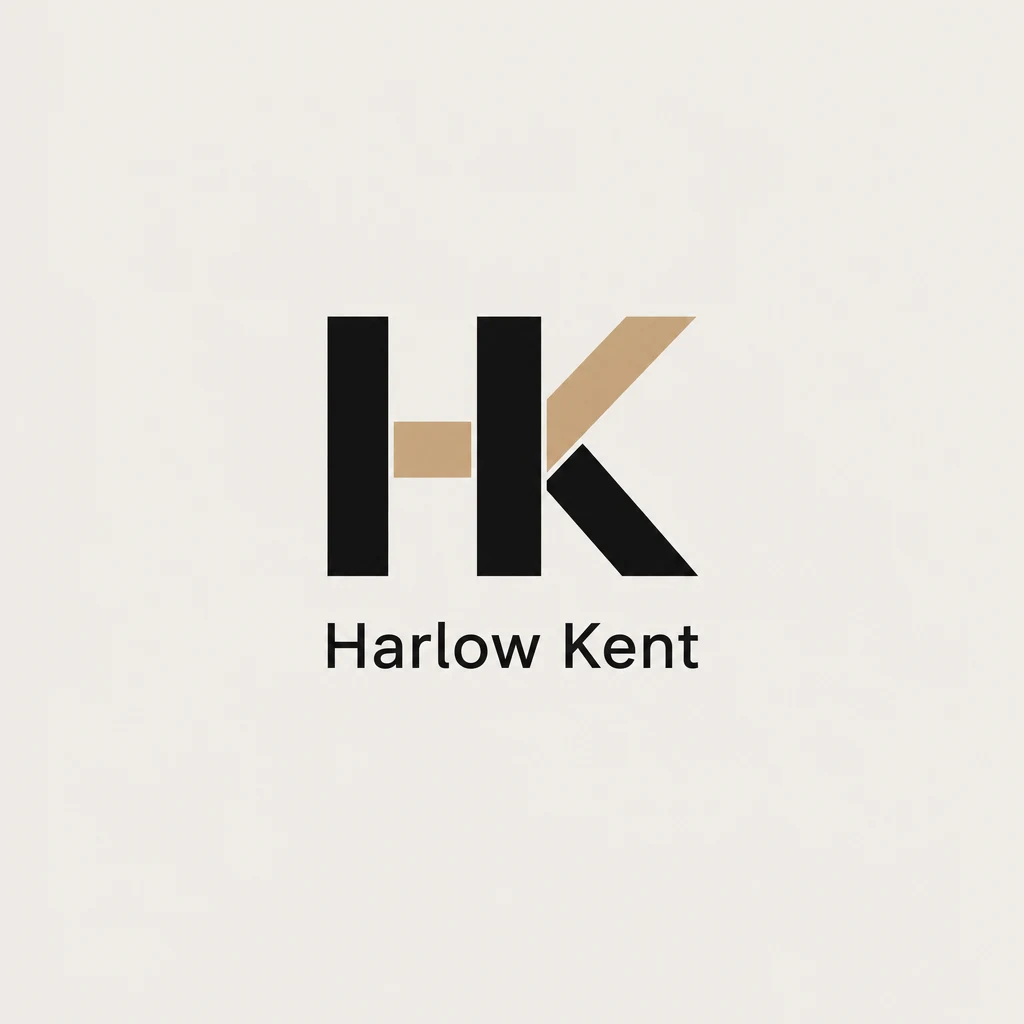
A short gold stub where the crossbar should be. It reads as HK, but the gap looks unfinished.
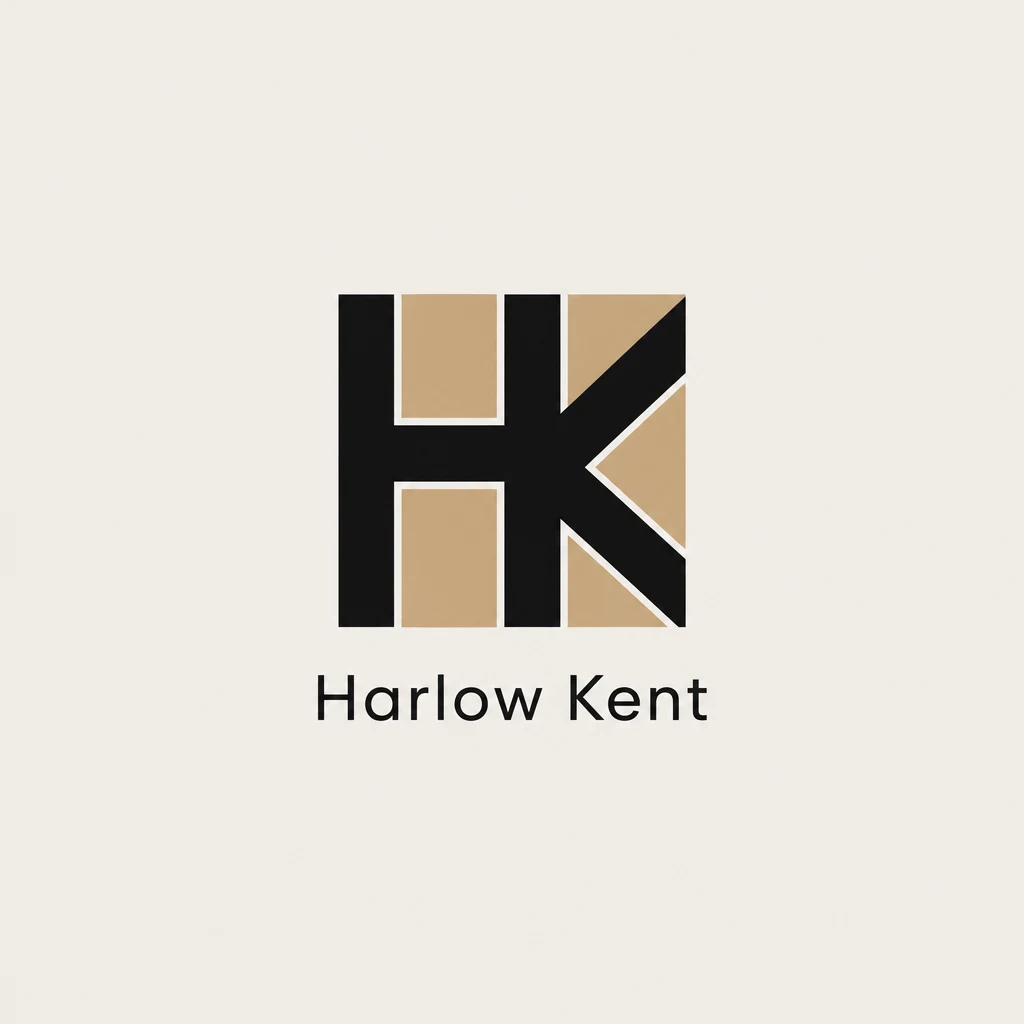
HK locked into a square with gold fills. Solid as an app icon, but the fills muddy the letters when small.
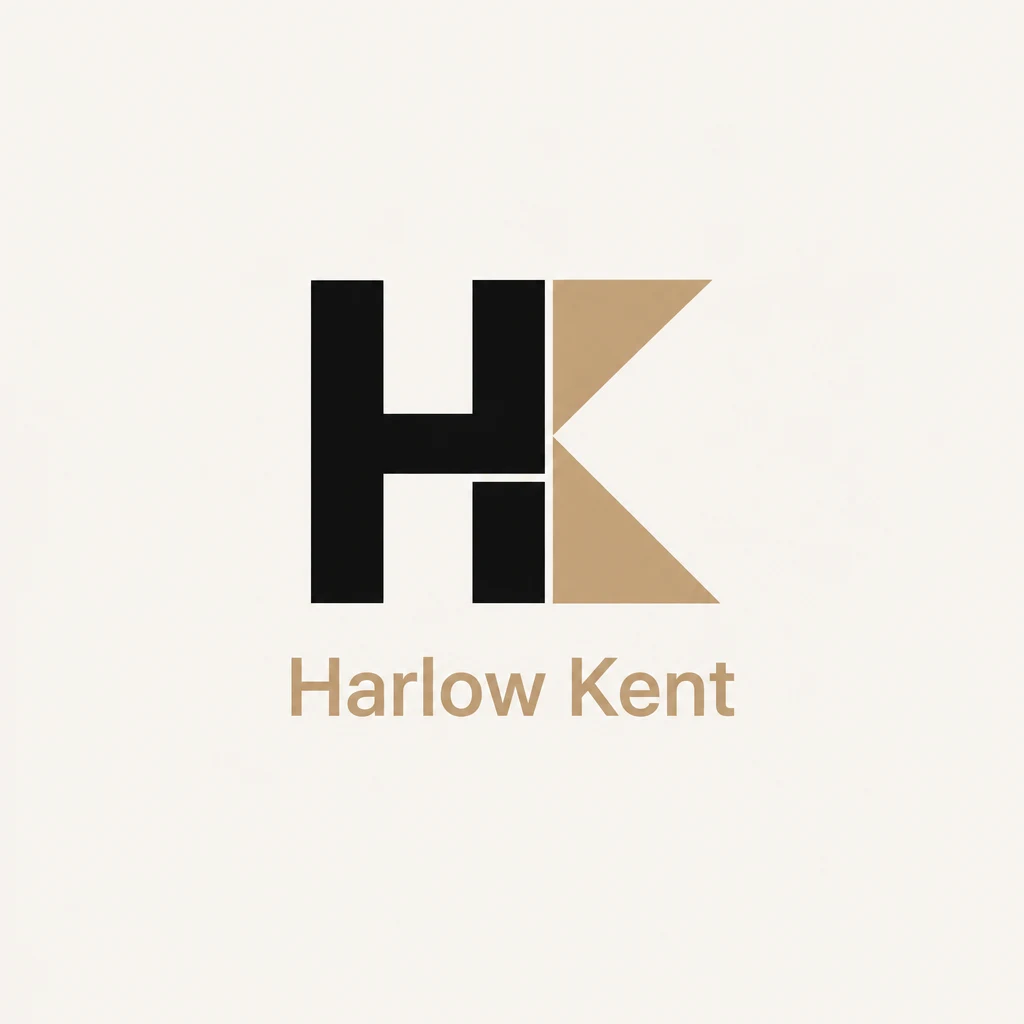
A black H beside a gold triangular K, with the name in gold. Bold, though the gold name is weak on cream.
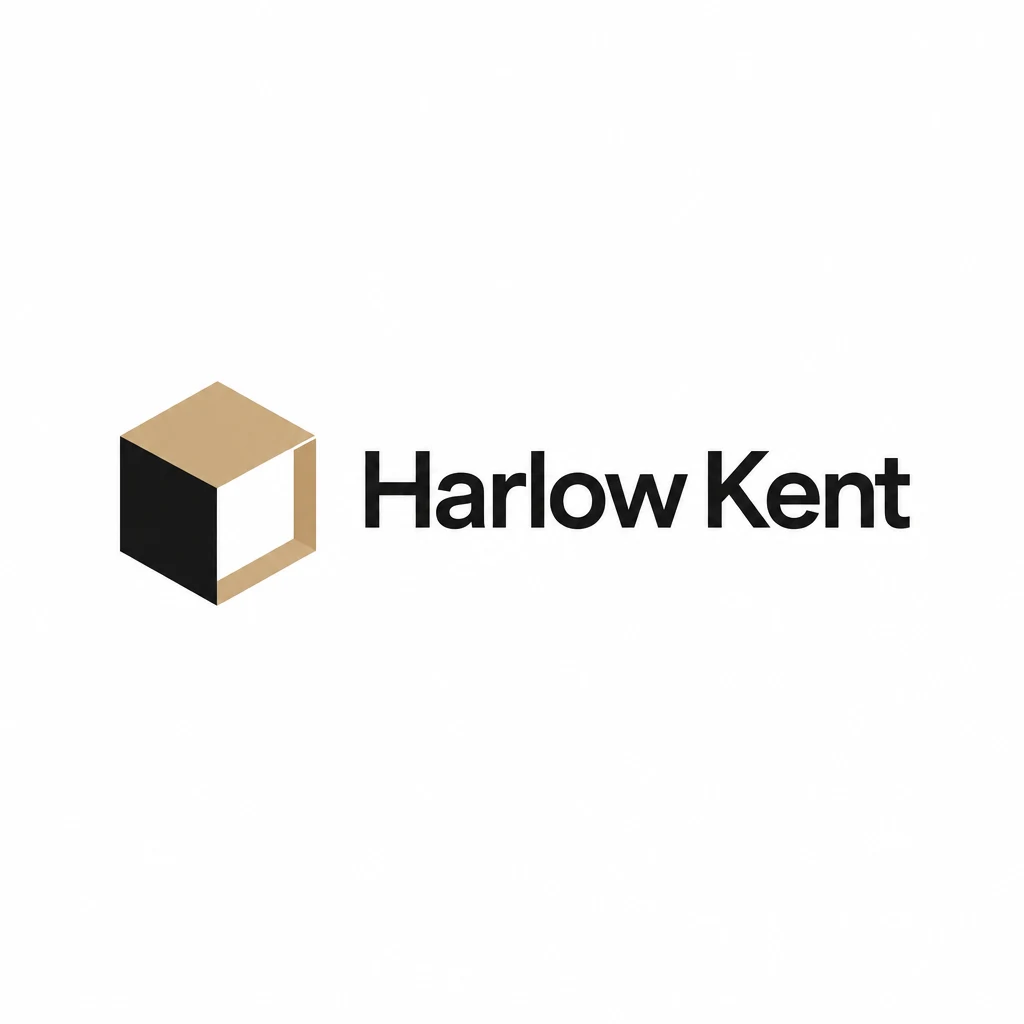
An open isometric cube beside a bold wordmark. Clean, legible and the best horizontal lockup here.
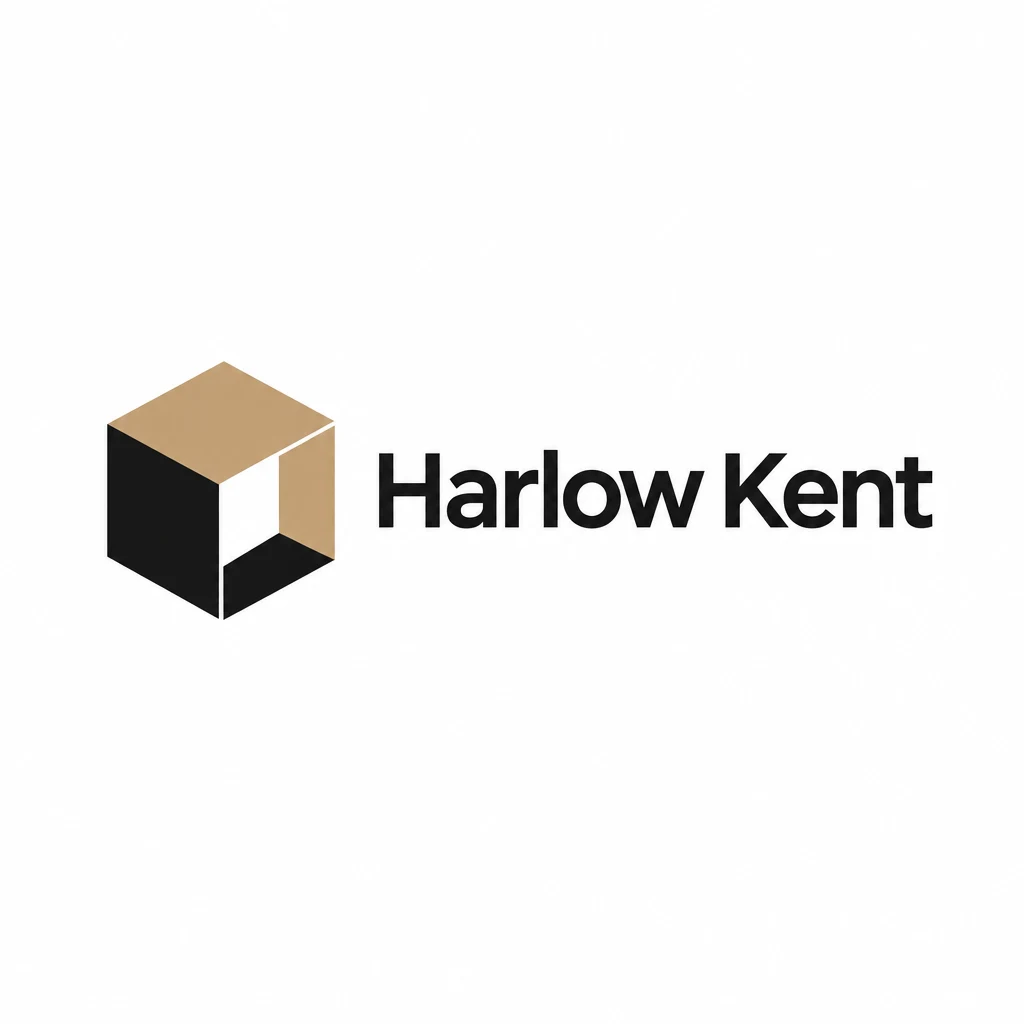
Nearly the same cube with a heavier black base. Too close to the previous one to present both.
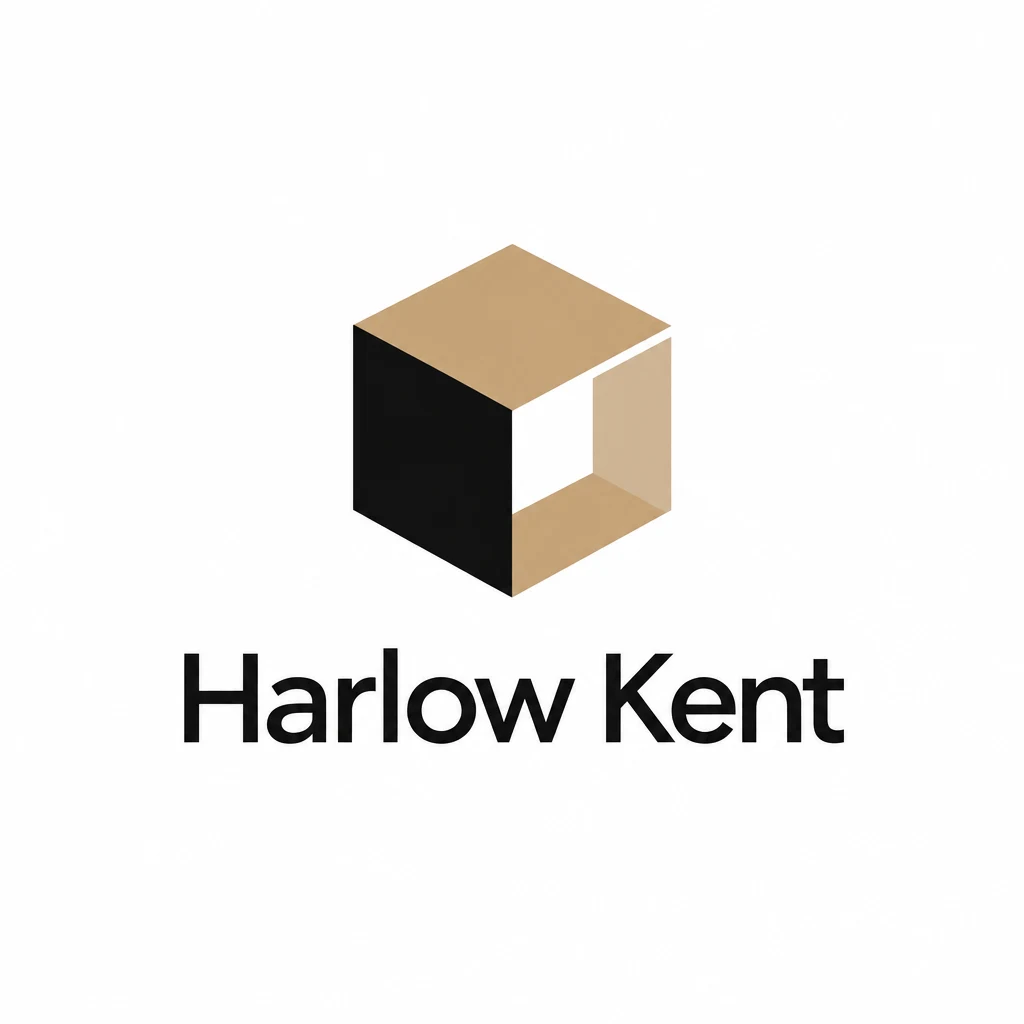
A stacked version with the cube above the name. The pale inner face fades out at small sizes.
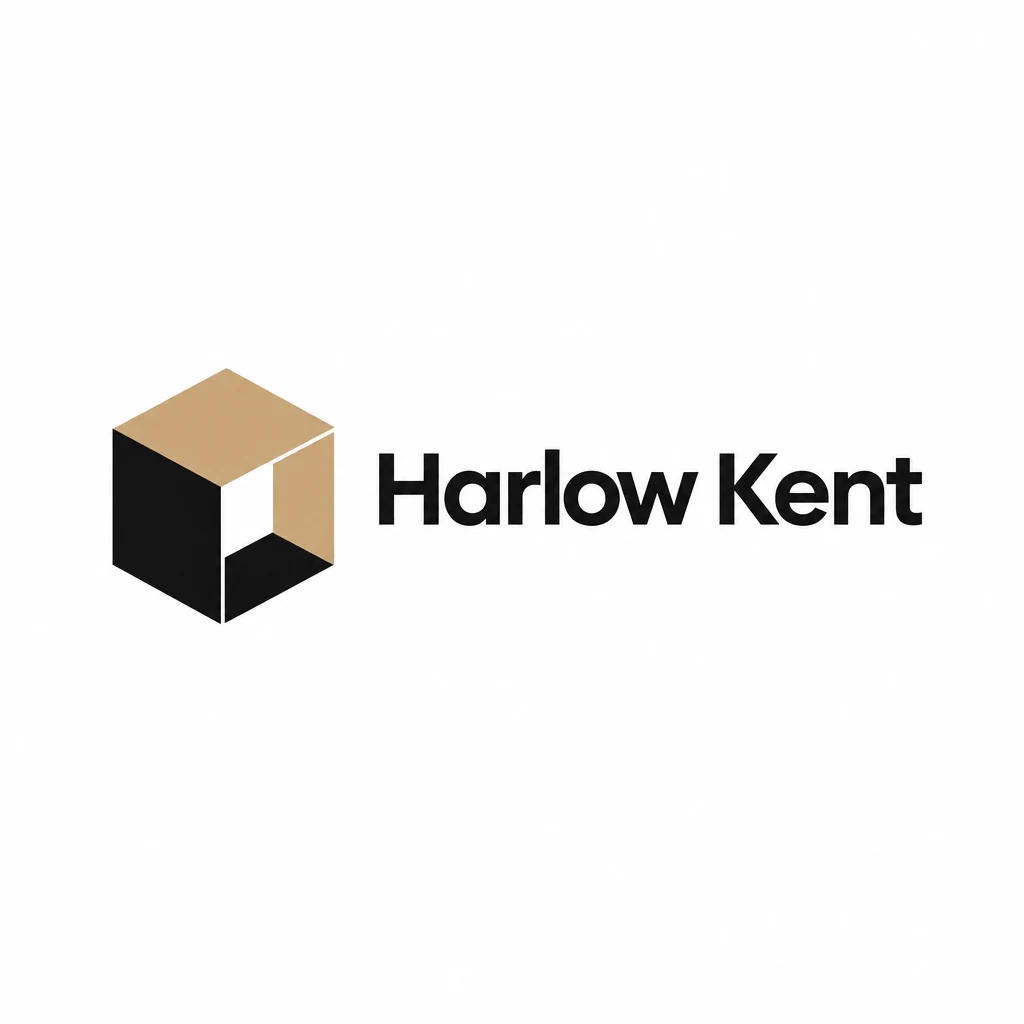
A darker open face adds depth. Pick this or the first cube, then redraw the angles precisely.
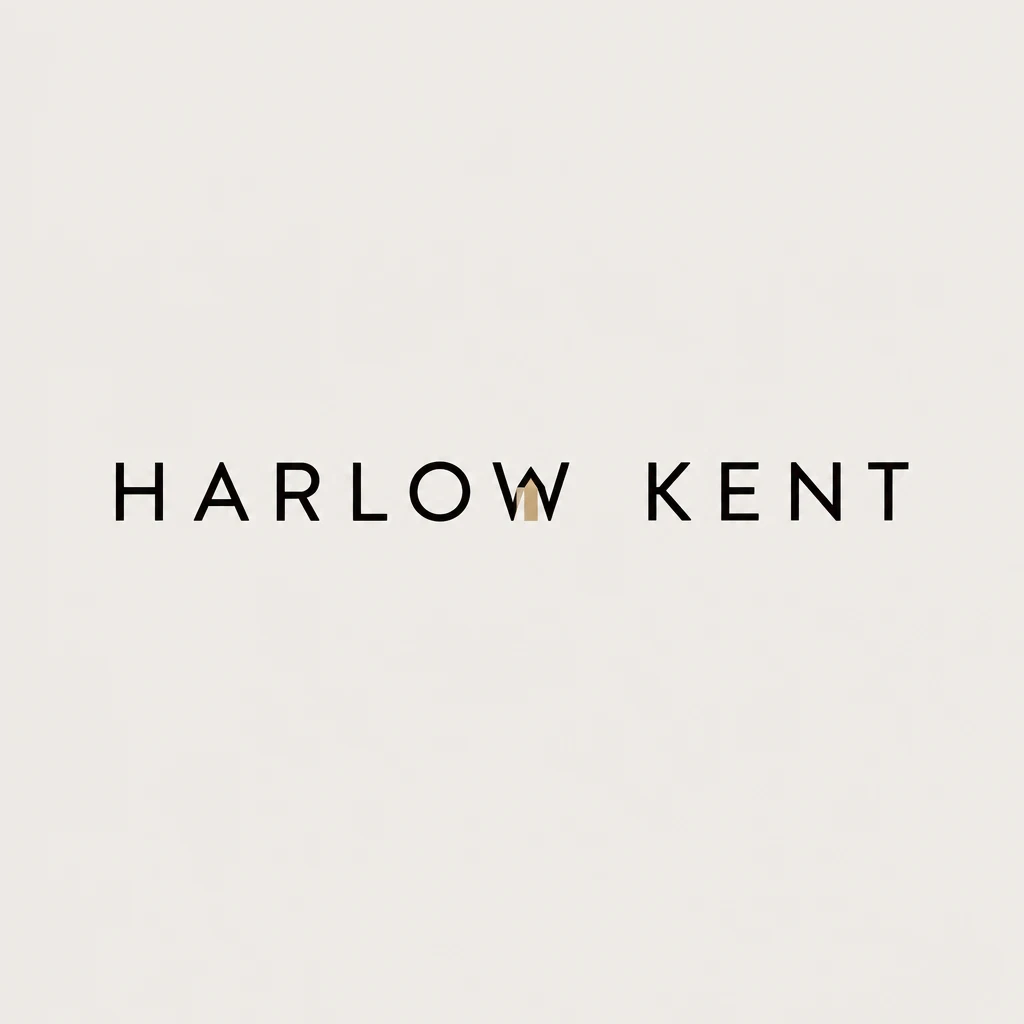
Letterspaced capitals with a gold stroke inside the W. The detail looks like a mistake rather than a choice.
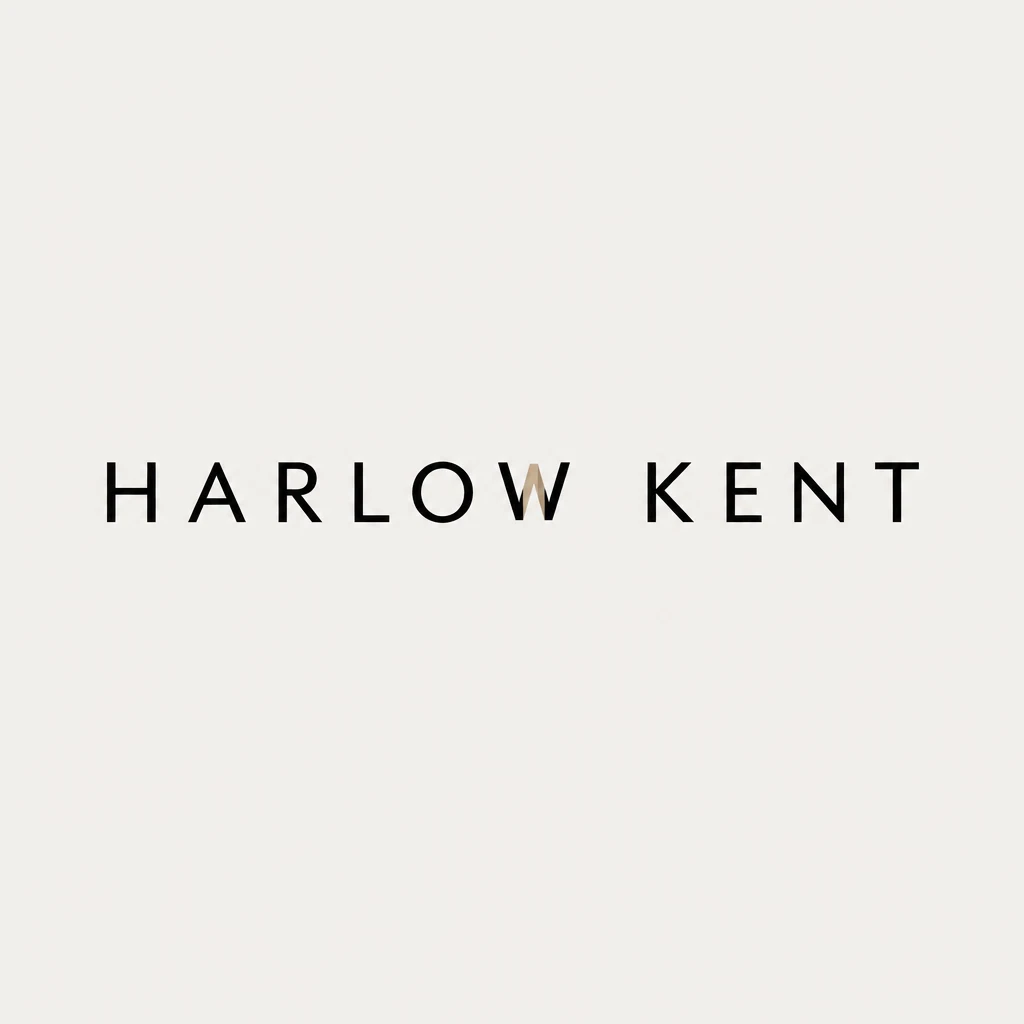
Almost identical to the one before, with the same awkward stroke. A duplicate, not a new direction.
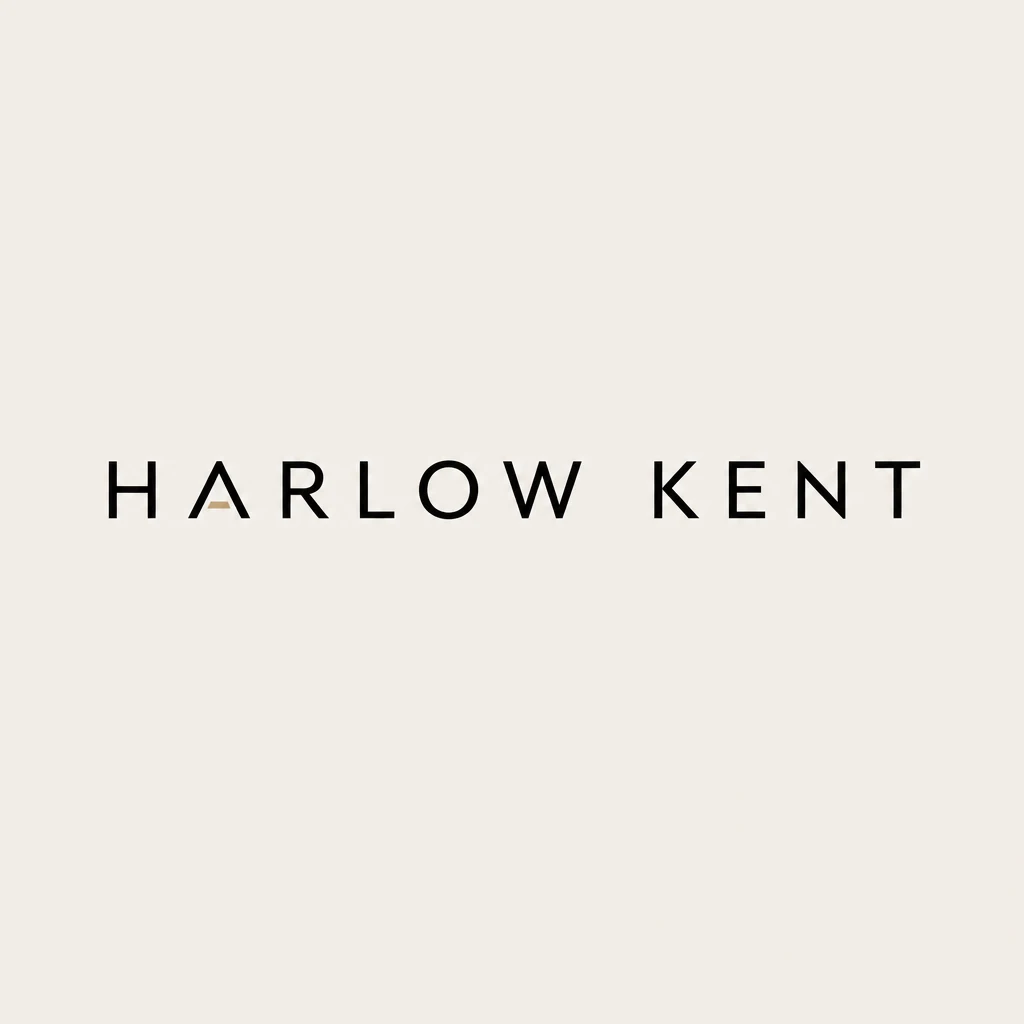
A gold crossbar on the first A. The quietest and most refined of the wordmarks.
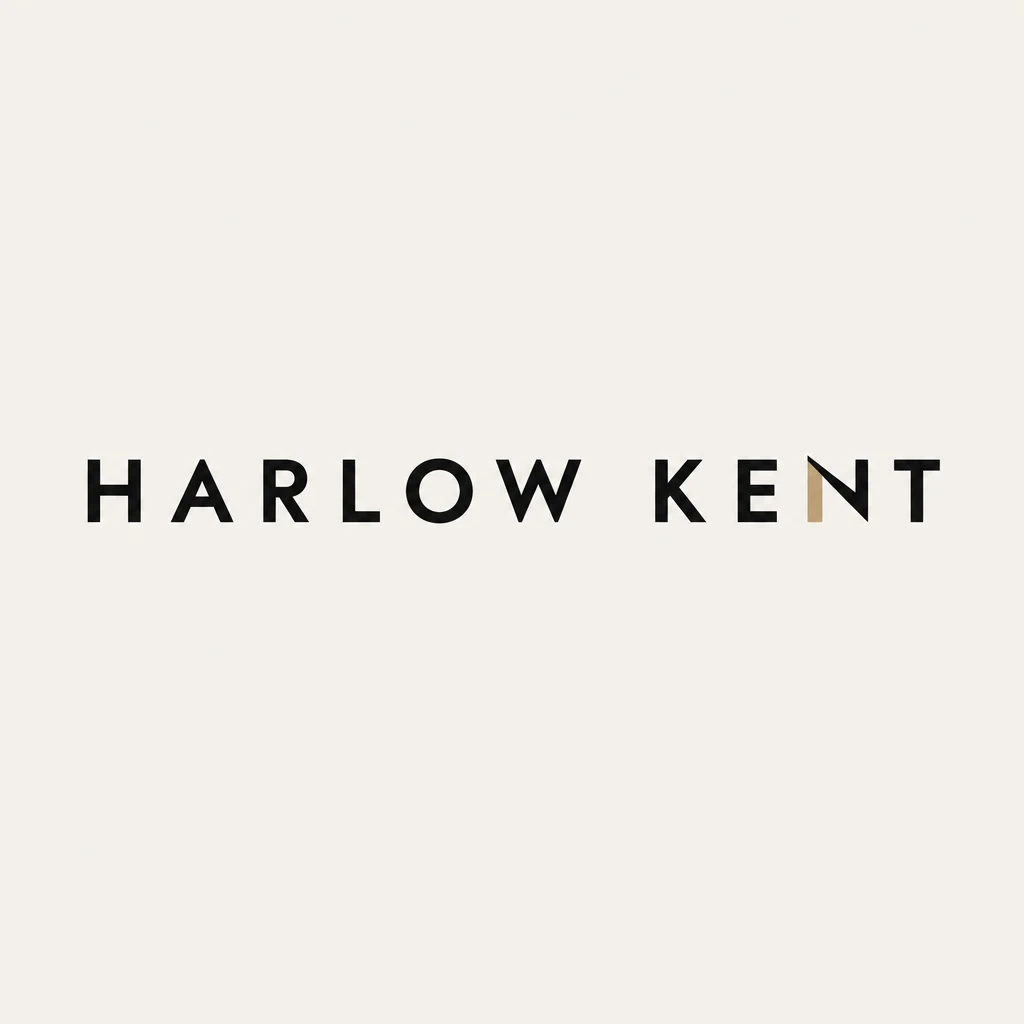
Heavier capitals with a gold diagonal in the N. More presence, and the detail reads as architecture.
Check before the client sees it
A concept that looks good at full size can fall apart as a favicon. Logo Review scores a mark on seven dimensions, including how it holds up at 32 pixels, and writes a specific fix for each weak spot. It costs 3 credits, works on every plan including the free credits, and accepts logos made anywhere, so you can check your own redraws too.
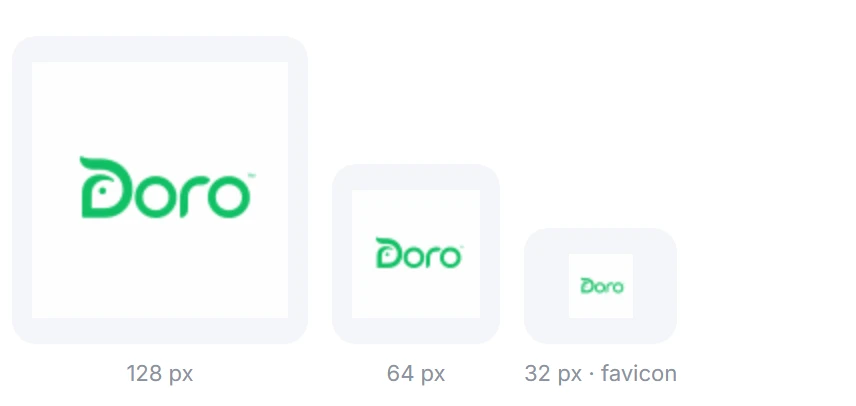
Use it as a second pair of eyes, not a verdict. A low contrast score might be exactly what a quiet luxury brand wants, and only you know that. What the review does well is catch the things tired eyes miss late in a project: a counter that closes up, a tagline nobody can read on a business card, two colors that merge in grayscale.
Present like a studio
Clients judge a logo by imagining it in their world, and most cannot do that from a mark on a white artboard. The logo mockup generator places a mark on photoreal products from the template catalog, or on any product you type, so a coffee roaster sees their bag and a gym sees their wall. A brand board adds palette and type around the mark, which is often enough to settle a debate between two directions.
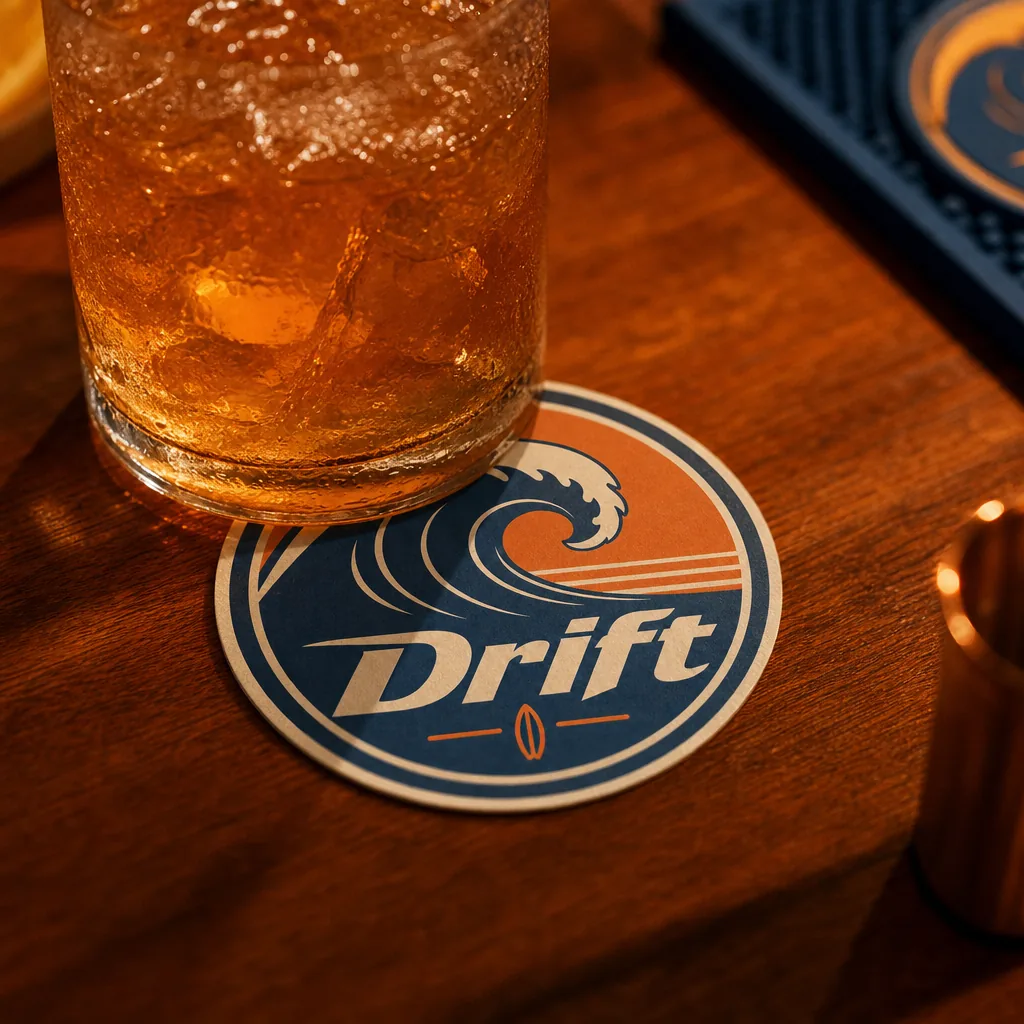
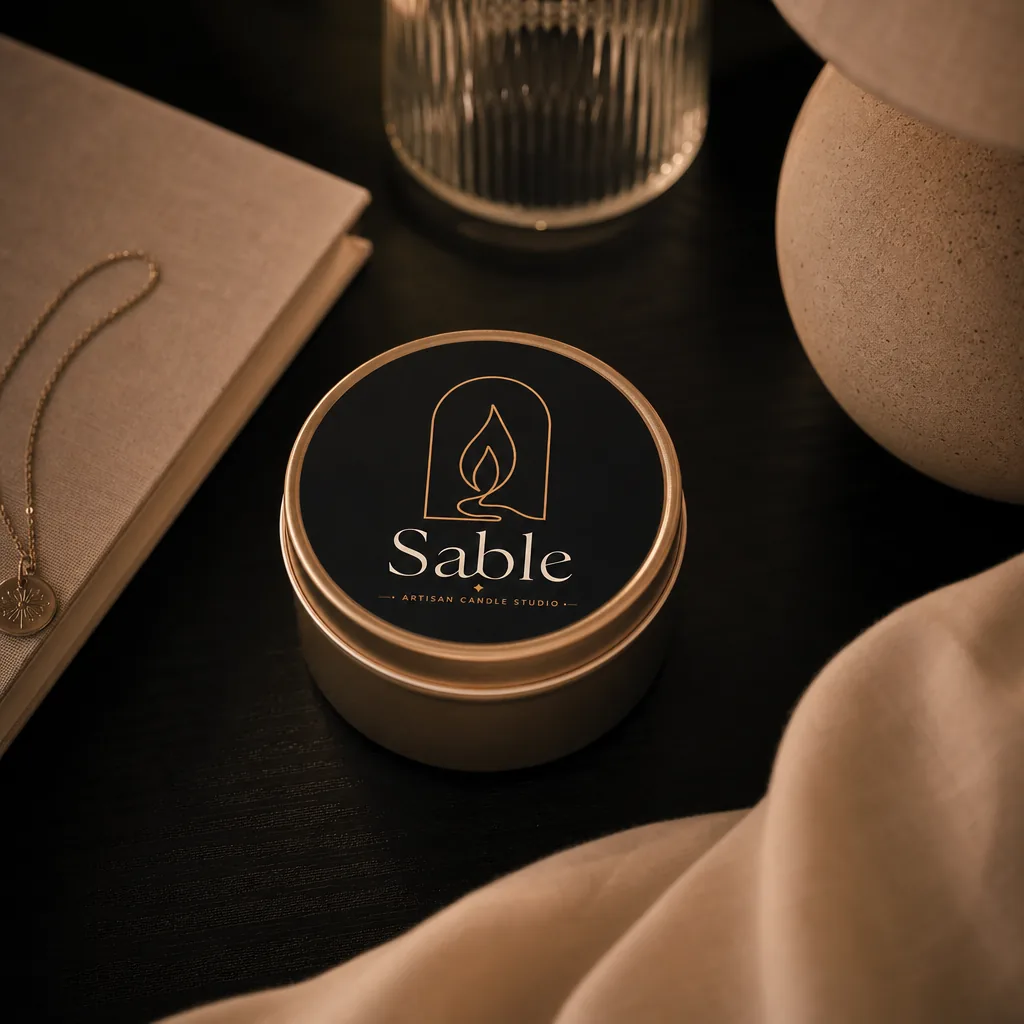
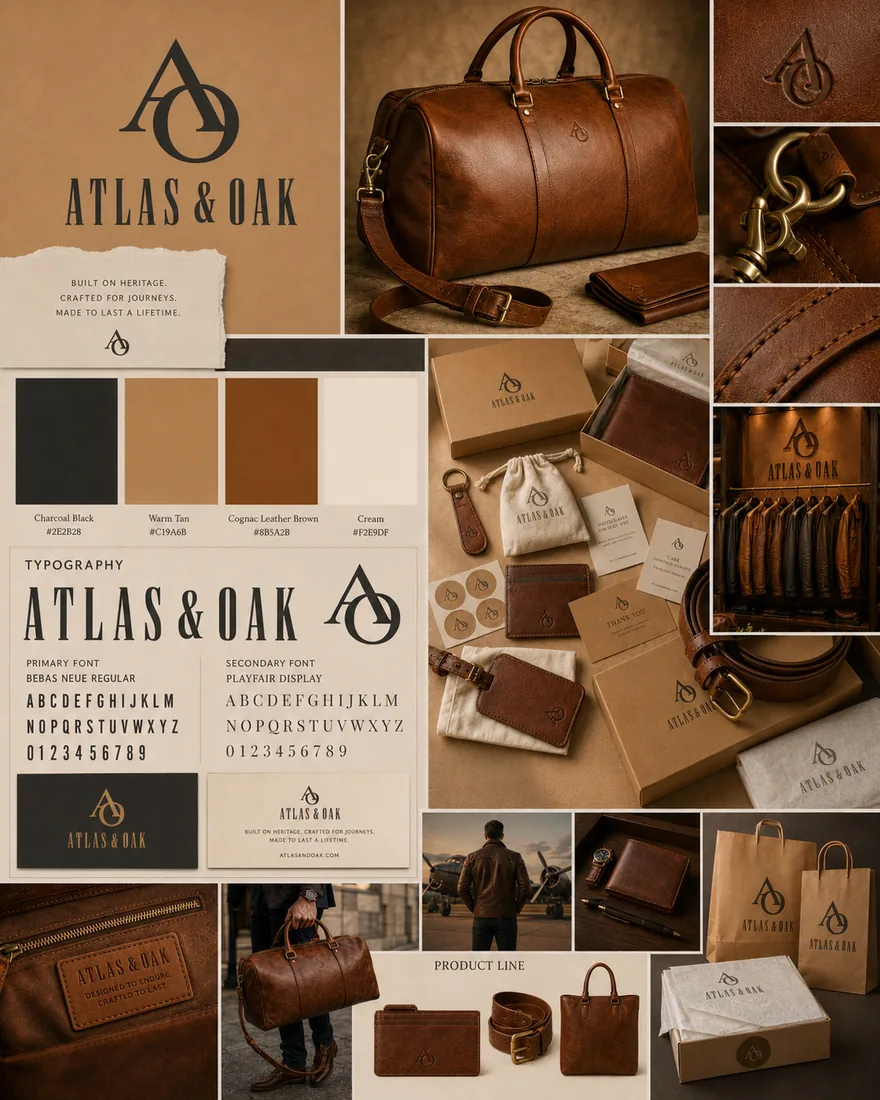
Building those scenes by hand used to take an evening per direction. Now the time goes into the story you tell around them. Our guide on how to present logo designs to clients covers the order, the number of options and how to handle the first round of feedback.
Deliver the whole system
This is where Logofai saves professionals the most time. Once a mark is approved, the deliverables that usually eat the last week of a project come from that one file, so nothing is redrawn by someone else along the way.
Logo system
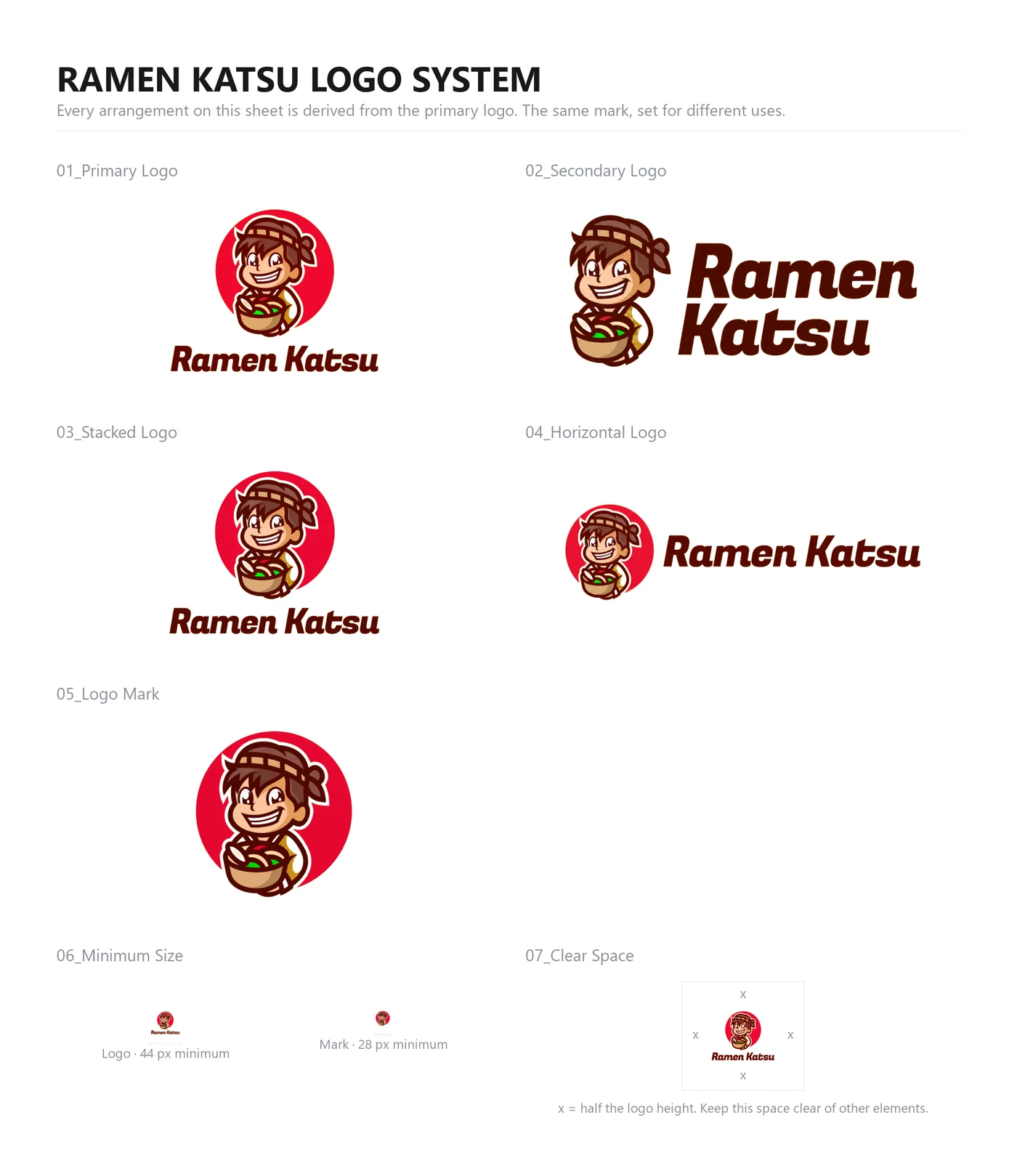
The logo system builds the secondary lockups a real identity needs: stacked, horizontal, badge, mark alone and wordmark treatments. You choose one to eight arrangements at 3 credits each, and they arrive on one sheet with a computed minimum size and clear space for each.
Brand guidelines
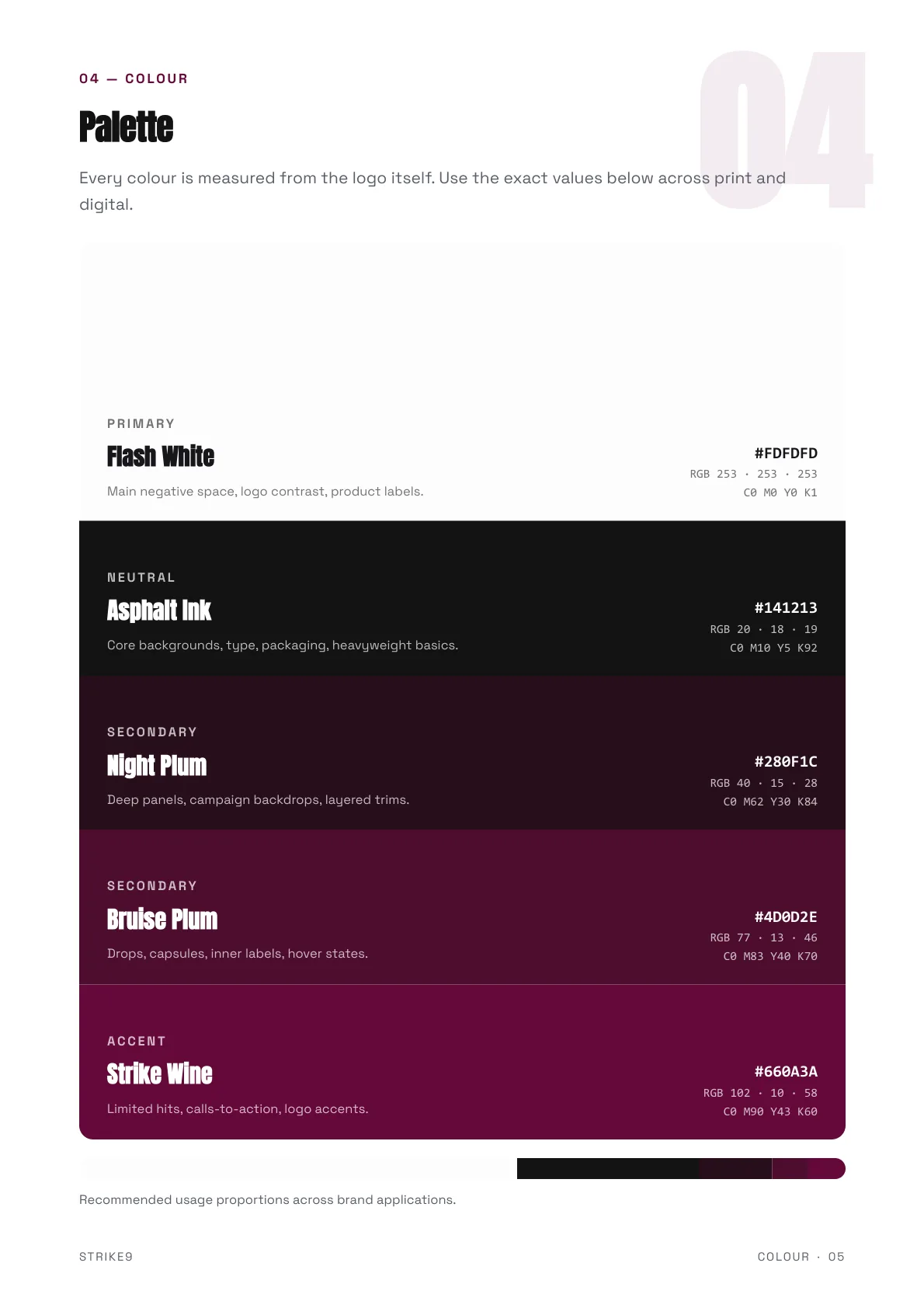
Brand guidelines are a multi-page book covering logo rules with do and don’t examples, color values, typography and voice. Share it as a live page or download the PDF. It costs 9 credits and is on every paid plan.
Brand Pack
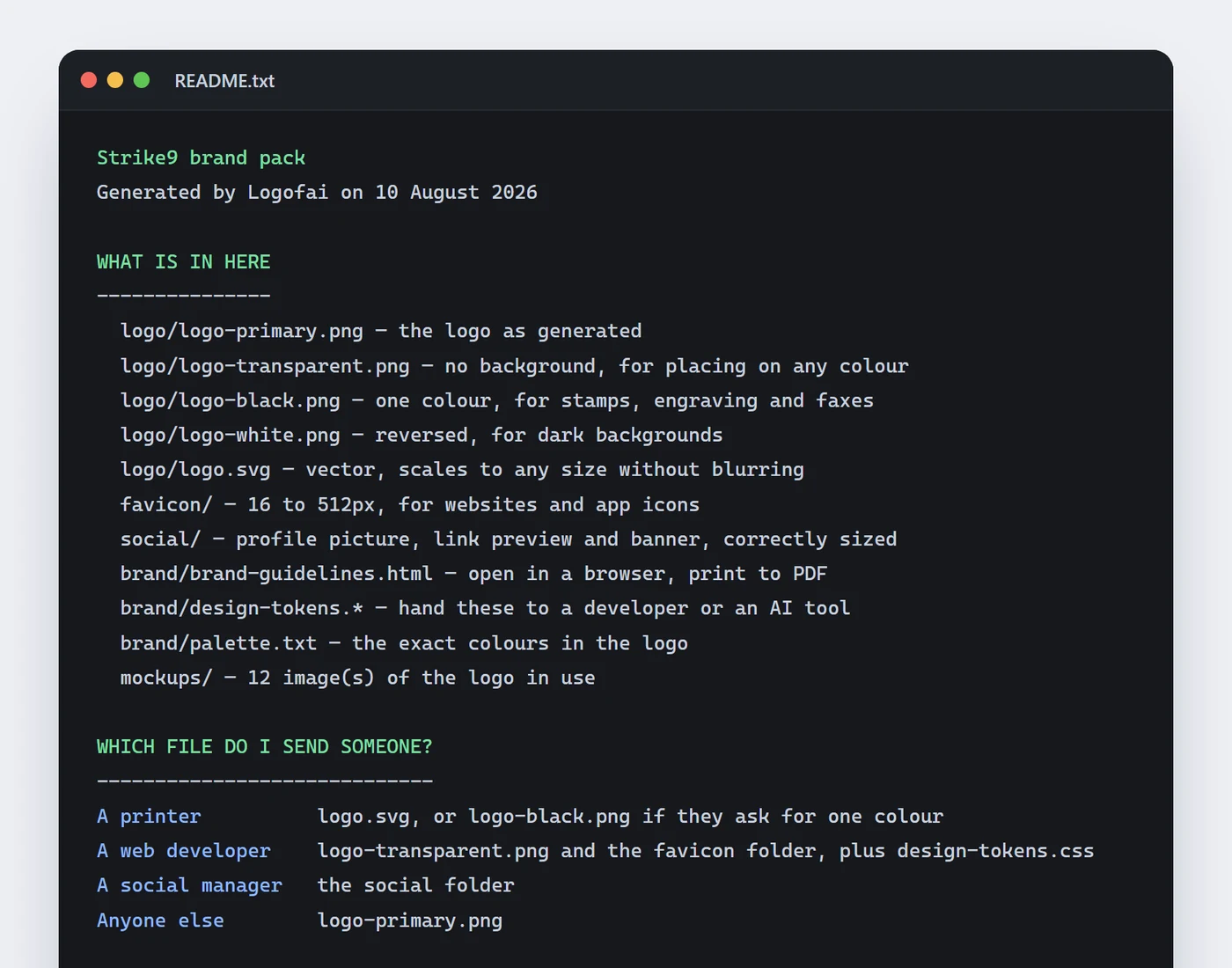
The Brand Pack is one ZIP with every logo format, favicons, social sizes and a README telling the client which file goes to a printer, which to a developer and which to whoever runs their social accounts. It is the folder every client asks for, and it costs 3 credits the first time, then nothing.
Design tokens and design.md
For clients with a website or an app, the design system generator turns the brand into design tokens, a live style guide and a design.md file that AI coding tools can read. It costs 9 credits on Pro and Business.
What it costs a freelancer
Prices checked September 16, 2026
Pro is $29.99 a month for 450 credits, which is 150 images at 3 credits each. Business is $99.99 for 1,500 credits, or 500 images. Starter is $9.99 for 150 credits, but it does not include transparent backgrounds, which most client work needs. Yearly billing takes 10% off any plan, and failed generations refund automatically.
Here is one client project priced from the credit costs in the app. It is arithmetic, not a measured project, and your own count will depend on how many rounds you run.
| Step | Runs | Credits |
|---|---|---|
| Three exploration runs of four concepts | 12 images | 36 |
| Two refines on each of two finalists | 4 refines | 12 |
| Logo Review on both finalists | 2 reviews | 6 |
| Presentation mockups | 6 mockups | 18 |
| A brand board for the chosen direction | 1 board | 3 |
| Logo system, the default four arrangements | 4 lockups | 12 |
| SVG vector of the approved mark | once | 3 |
| Brand guidelines | 1 book | 9 |
| Brand Pack | once | 3 |
| Total | 102 |
At 102 credits, a Pro month covers about four projects of that size and a Business month about fourteen. Adding a design system for a client with a website is another 9 credits. See every plan on the pricing page.
Honest about the limits
AI output is a starting point, not final artwork. Here is what that means in practice:
- Vectors are traced. The SVG export is converted from the generated image. It scales cleanly, but its paths are not built the way you would build them. Vectorize, then refine or redraw in your own tools.
- Details can drift. Letterforms, spacing and small symbols are not always exact. Check every character of a wordmark and expect to fix kerning by hand.
- Originality needs checking. A generated mark can resemble existing logos. Run your usual searches before a client commits to one.
- Copyright depends on your contribution. The US Copyright Office has said material generated entirely by AI, without meaningful human creative contribution, cannot be registered. Redraw or substantially modify the final mark, and send registration questions to a trademark or IP attorney.
- Some shared pages carry a credit. The live brand guidelines page, Logo Review reports and the live style guide include a small Logofai credit in the footer.
Tell clients how AI was used in their project. Most will not mind that exploration was faster; what they mind is finding out later. Being upfront is also the easiest way to explain why the final mark still needed your hands.
Comparing options? Our guide to the best AI tools for graphic designers covers where other tools do better, job by job.
Good questions.
Will AI replace designers?
No. Logofai speeds up exploration and presentation; the craft of refining and deciding still belongs to the designer.
Can I edit the files in Illustrator or Figma?
On any paid plan you can convert a logo to an SVG vector for 3 credits, and downloading it again is free. The SVG is traced from the generated image, so expect clean shapes you can scale and recolor, not the tidy layers and anchor points of a mark you built by hand. Plan to clean up or redraw the final mark in your own tools.
Can I copyright or trademark a logo made with AI?
It depends on how much of the final mark is your own creative work, and the rules differ by country. The US Copyright Office has said that material generated entirely by AI, without meaningful human creative contribution, cannot be registered. Use Logofai output as a starting point, redraw or substantially modify the final mark, and take registration questions to a trademark or IP attorney. This is not legal advice.
Can my client see that I used Logofai?
Some shared pages say so. The live brand guidelines page, Logo Review reports and the live style guide carry a small Generated with Logofai or Made with Logofai credit in the footer. Either way, we recommend telling clients how AI was used in the project.
Do I get transparent PNG files?
Transparent logo backgrounds are included on the Pro and Business plans. They are not on Starter or the free trial credits.
What does Logofai cost for client projects?
Pro is $29.99 a month for 450 credits and Business is $99.99 for 1,500 credits. Starter is $9.99 for 150. An image costs 3 credits, yearly billing takes 10% off, and failed runs refund automatically. New accounts get 6 free credits to try it, no card required.
More concepts. Same standards.
Start with a real brief and see where the first dozen directions take you.
6 free credits for new accounts, no card required.